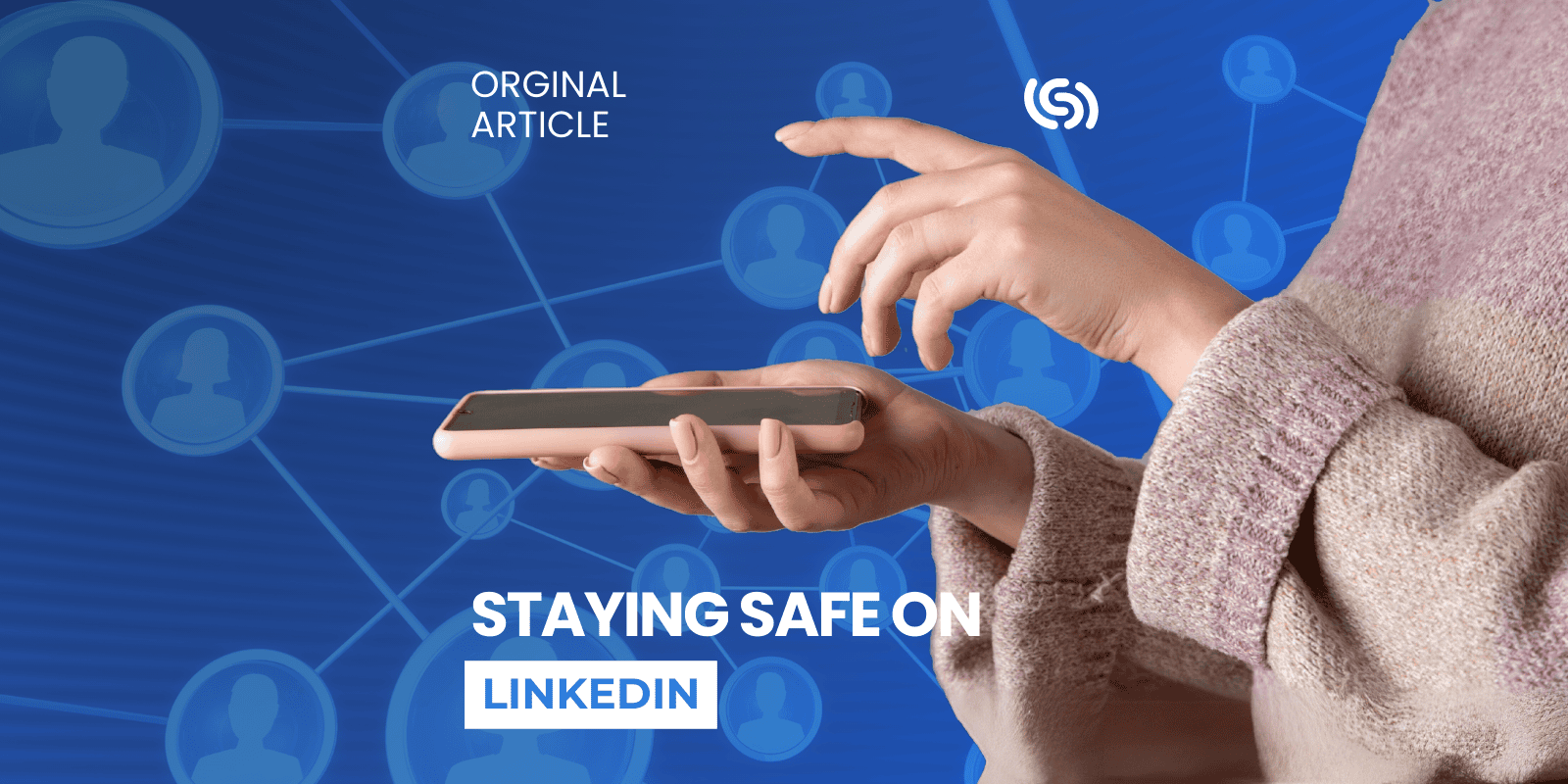
Staying Safe on LinkedIn
Boost your LinkedIn security with these simple steps to keep your profile safe.
27 Nov 2024
Read now

At Lexsynergy our goal is to protect your domains and, to help us do that, we ask that you periodically review your Lexsynergy account settings. Here are some quick tasks that you can perform to make sure your account is as secure as it can be:
Audit your user list to make sure they have the correct permissions and that no old users have been left active, such as previous employees. You can view your user list here - https://portal.lexsynergy.com/account/users
Set up two-factor authentication on your user. You can also enable this as an account wide requirement by contacting our support department. You can set up two-factor authentication here - https://portal.lexsynergy.com/2fa-setup
Restrict your account to specific IP addresses or networks using our IP restriction tool. You should only enable this feature if you are on a static IP address or network. If in doubt, ask your IT department. - You can setup IP restrictions here - https://portal.lexsynergy.com/account/security/ip-restrictions
Provide our support staff with a list of authorised contacts and security passphrases to use when contacting support.
If you have any questions regarding the above tips or would like to discuss security features, feel free to contact us through the form or phone numbers below.
Boost your LinkedIn security with these simple steps to keep your profile safe.

Gain control of your domain portfolio with a secure, centralised solution.

Welcome to our new staff highlight blog series! In this series, we’ll be interviewing some of the key members of the Lexsynergy team...